The time off report is available to download from the Time off page and the Reports page in the Oyster platform.
Prerequisites
- You are logged in to the Oyster Platform as a Customer Admin, Team Manager, or Time off Admin.
- You have at least one engaged Team Member who has requested time off.
Steps
To download from the Time off page
1. Go to Team and then Time off
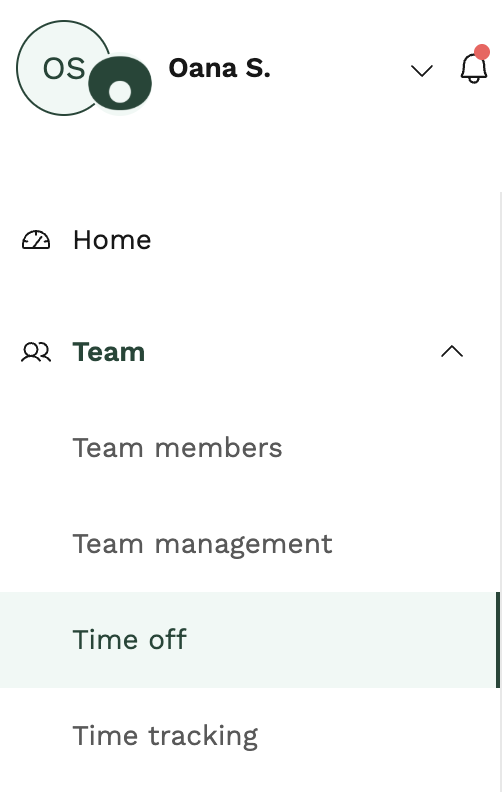
2. Select Download report at the top right of the page

To download from the Reports page
For Customer Admins only, you can also access the time off report from the Reports page.
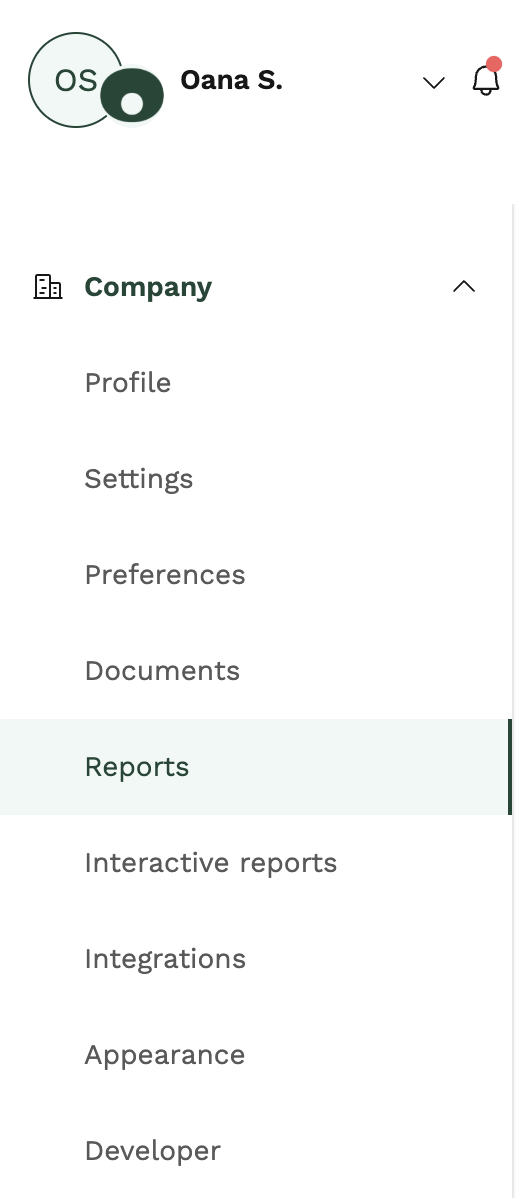
1. Go to Company and then Reports
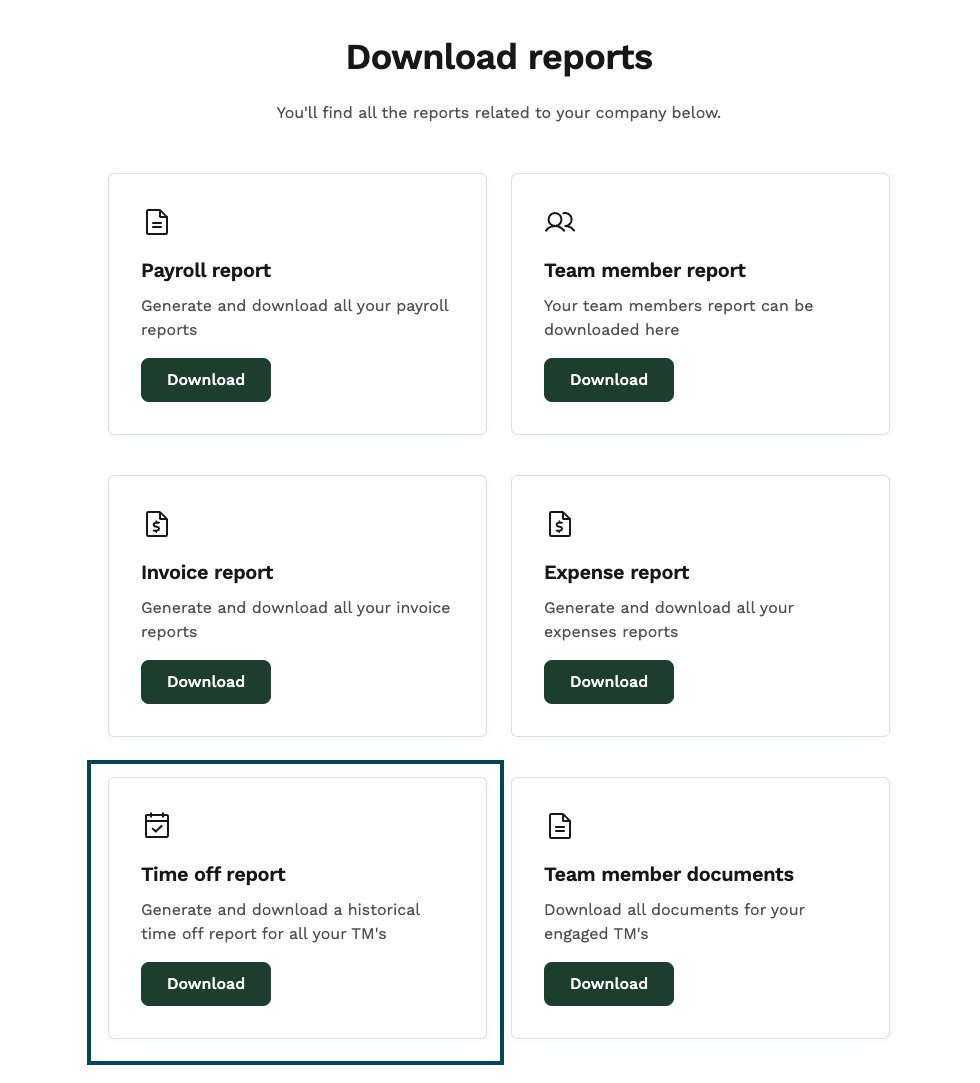
2. Download "Time off report"
Was this article helpful?
0 out of 0 found this helpful
😓Sorry about that! What did you find most unhelpful?
🎉We’re glad we could help! Is there anything you'd like to share with us?
This form is for feedback only and you won't receive a reply.
Please don't include any personal information about yourself or someone else.
This form is for feedback only and you won't receive a reply.
Please don't include any personal information about yourself or someone else.
Thank you! Your feedback helps us improve this article for everyone. 🎁
Thank you! Your feedback helps us improve this article for everyone. 🎁